Explore our product support for your Verifit2
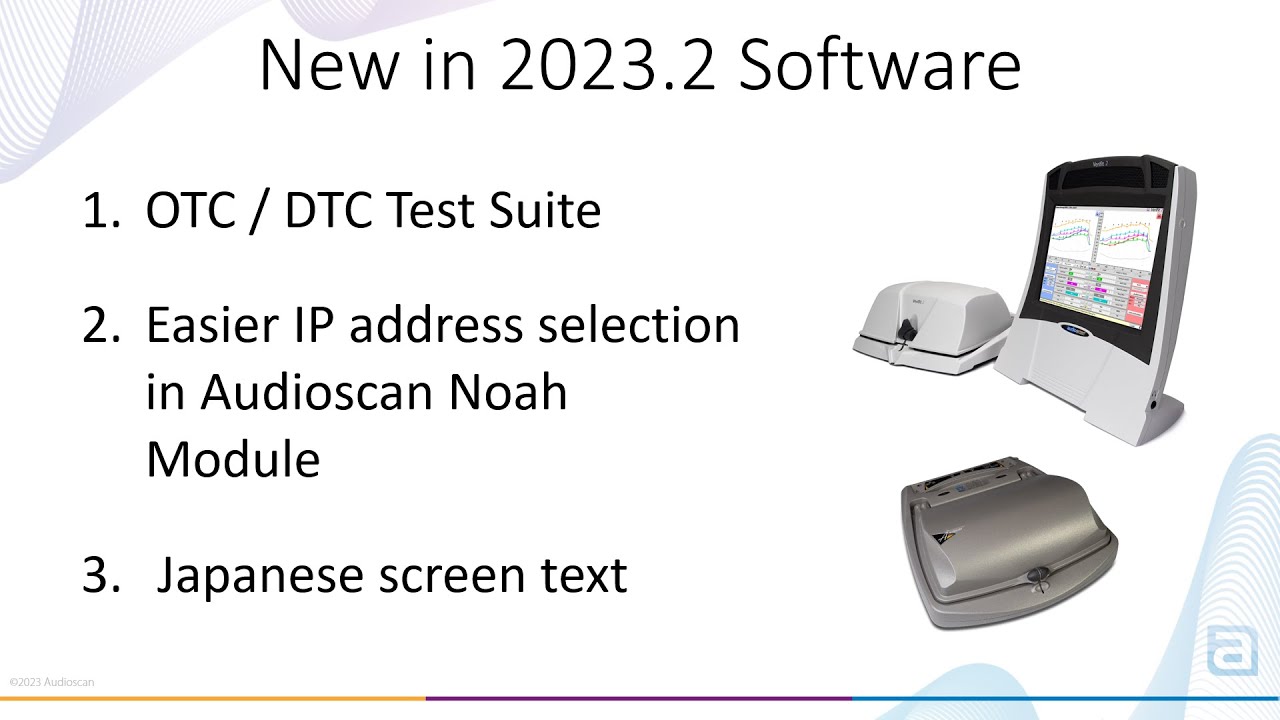
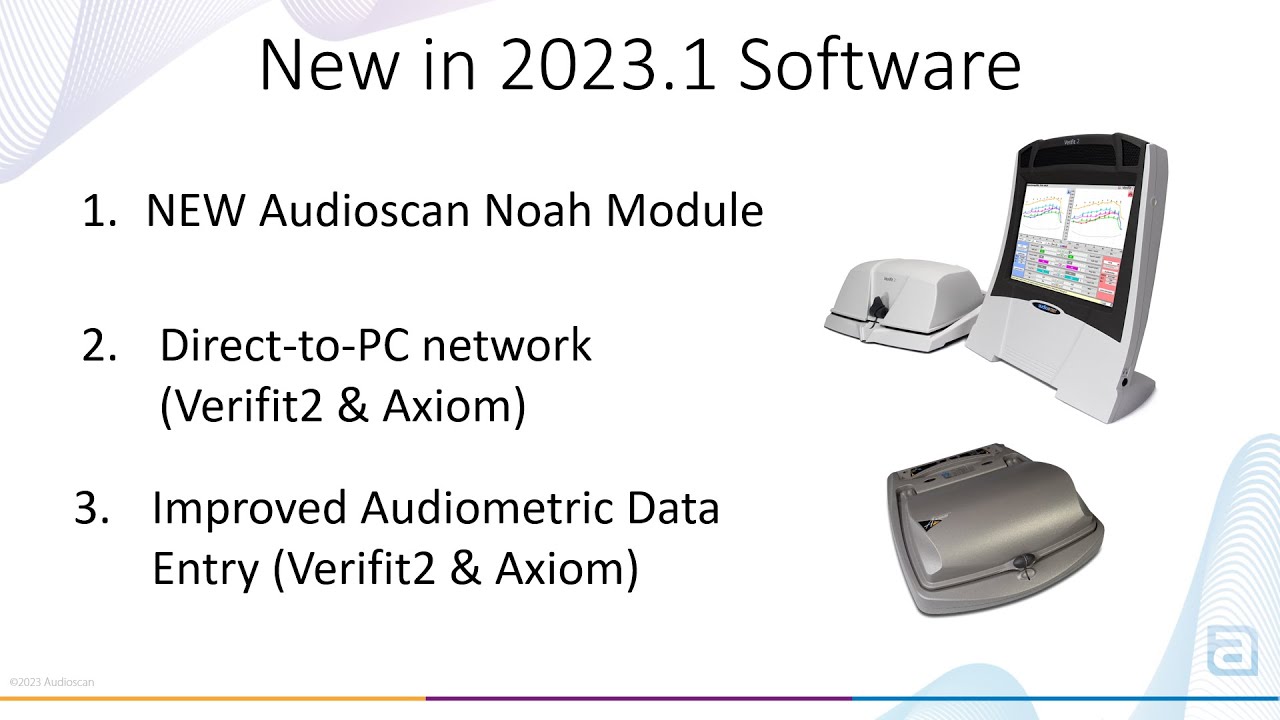
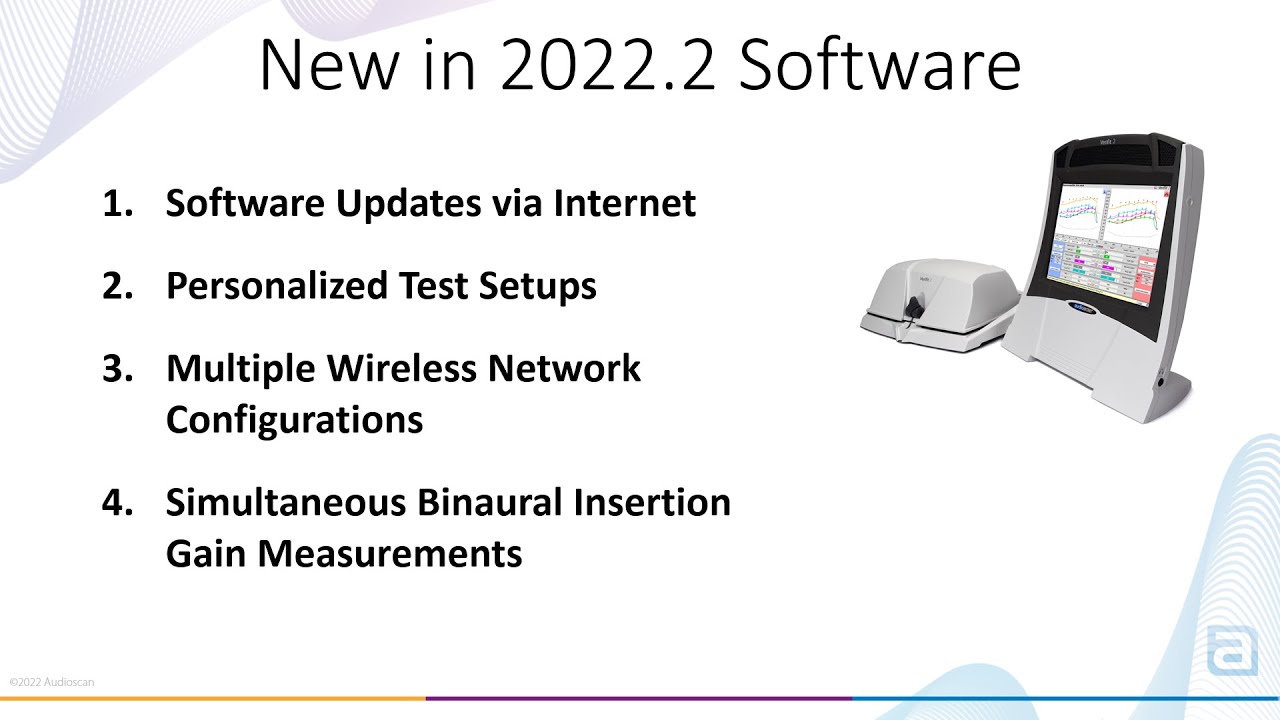
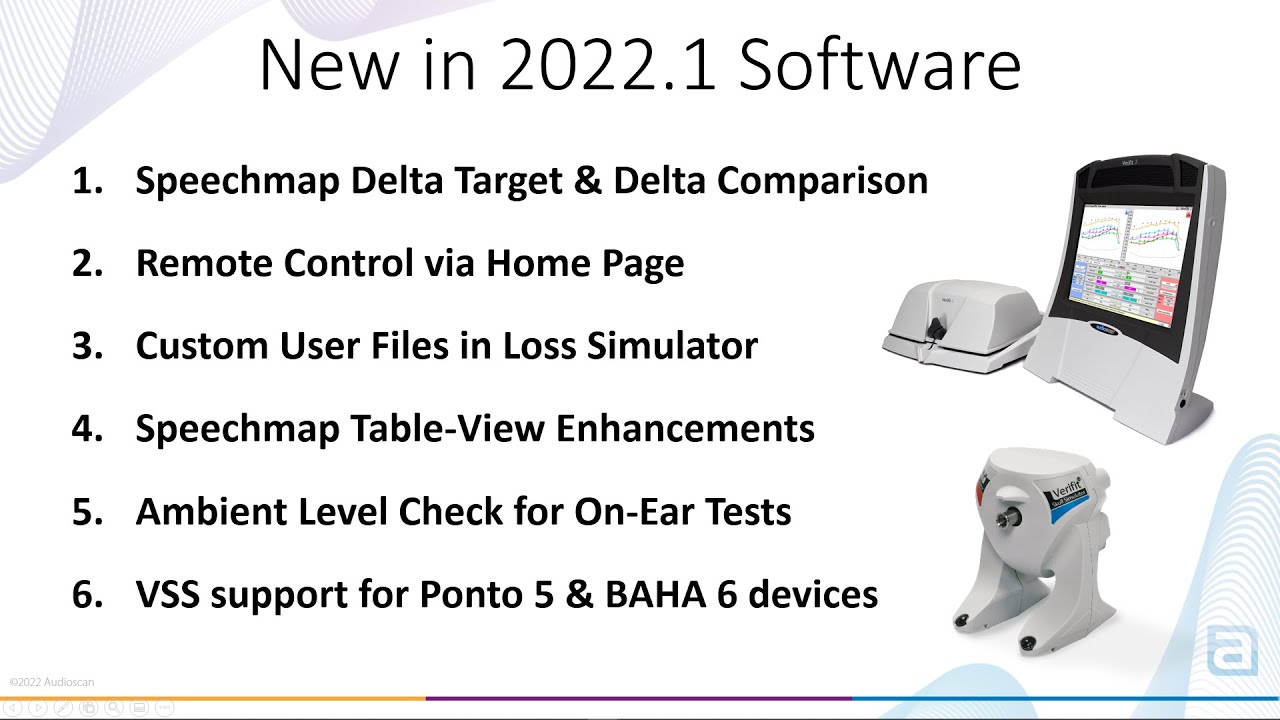
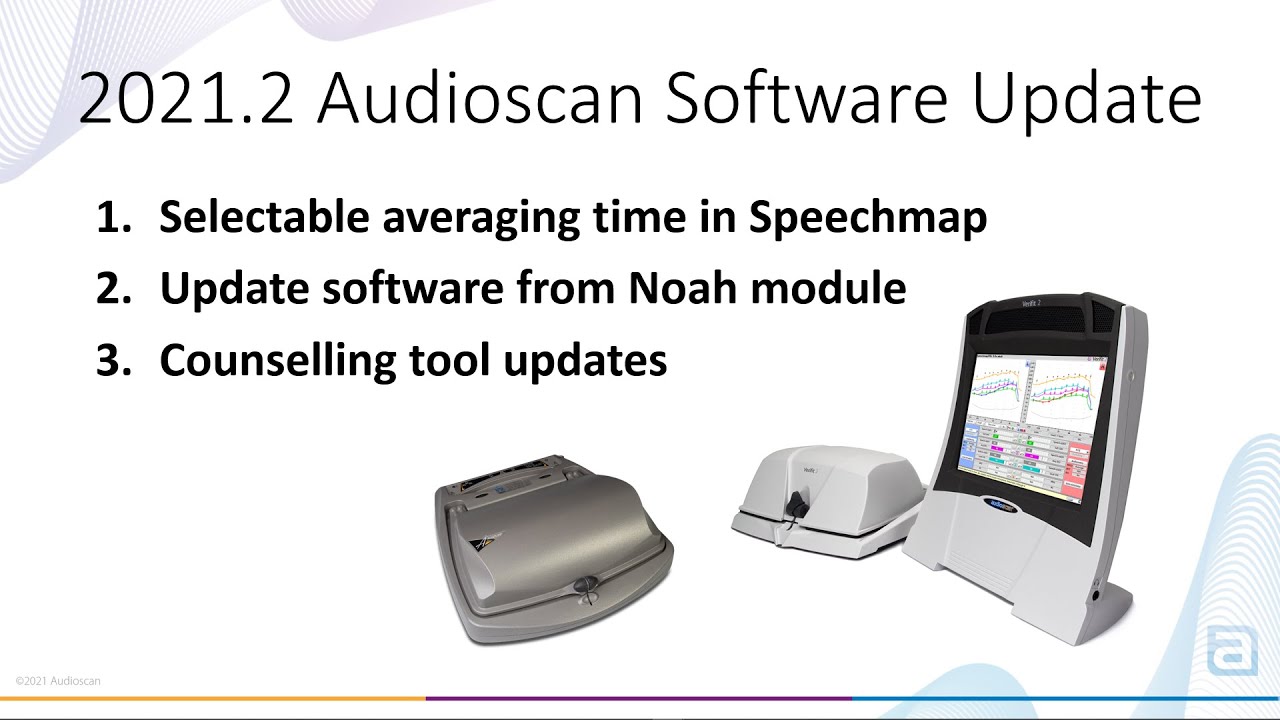
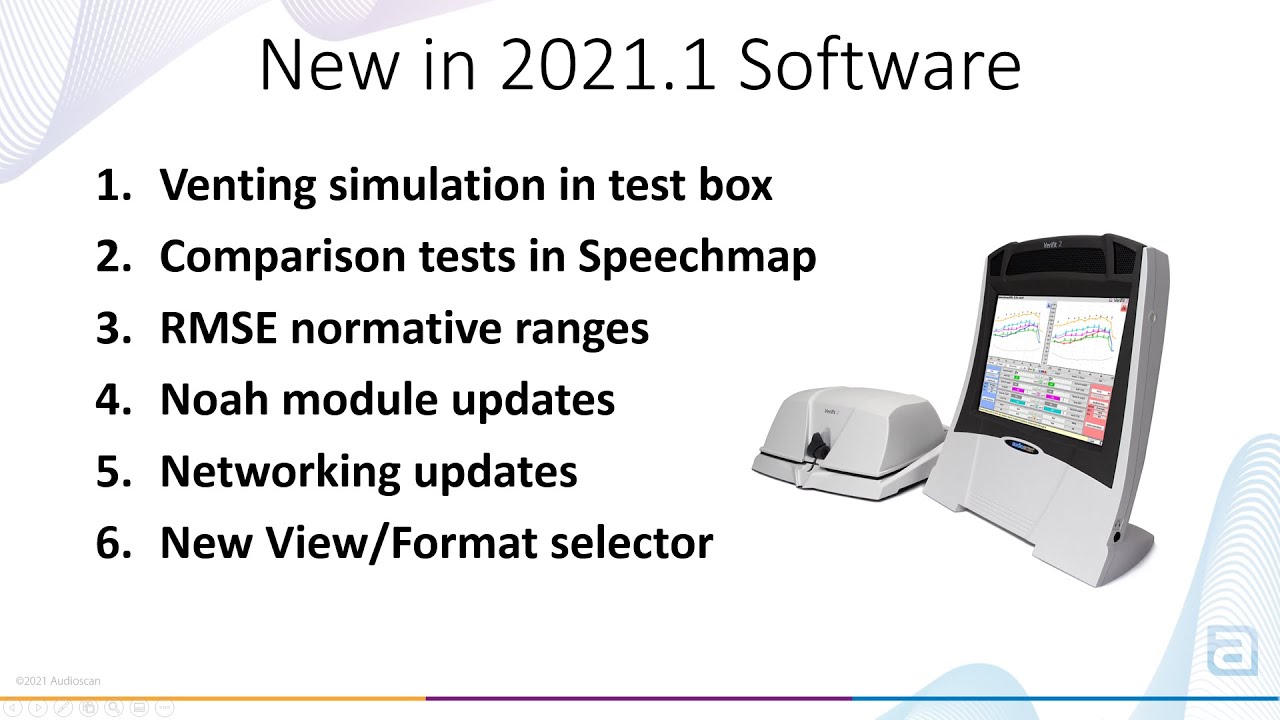
Learn about the latest features available in the Verifit2
Download the latest software for your Verifit2.
To troubleshoot your network connections, you will want to first confirm that the Verifit2 is connected to a network (either a WiFi or wired connection).
For more information, watch the Audioscan Networking video:
There are two main methods to update the software on your Verifit2 or Axiom
1. Via the Audioscan Noah Module
For more information, watch the Audioscan Noah Module screen tour
2. Via USB stick
For more information, watch the Updating Audioscan System Software video
The simplest method to update your Audioscan Noah Module, is to open the Audioscan Noah Module, click Settings > Check now for updates
For more information, watch the Audioscan Noah Module screen tour
Check Test Box cable and microphones are plugged in properly.
If the issue persists, contact your local distributor for assistance.
You will be prompted to calibrate your probe microphones whenever your calibration has expired. You can manually select the calibration by clicking Main Menu > Calibration within the “On-ear” column of the main menu.
You can follow the instructions on-screen.
To learn more about the probe microphone calibration process, watch the Audioscan Probe Microphone Calibration video.
If you have purchased the Audioscan Noah Module and need your license key, please contact us at: 1-(800)-265-2093 or support@audioscan.com. Please include your Audioscan model and serial number.
The MaxTM SPL (maximum sound pressure level at the tympanic membrane) exceeded prompt is a safety limit to ensure output levels of the hearing aid does not exceed an unsafe level. This safety feature can be adjusted or disabled by clicking Settings > Max TM SPL and selecting the desired MaxTM SPL.
Calibration failure should indicate a faulty microphone or set up. User should swap mics, Left-for-Right, and try to calibrate both sides again. If the fault follows the mic, replacement is required. If neither side will calibrate with either mic, suspect faulty jacks/cabling.

There are a couple reasons why targets might be missing from Speechmap after you have entered or imported audiometric thresholds. You may want to check the following:
In some cases, after the Verifit2 has been updated, you may be required to re-establish the network connection. To troubleshoot and resolve the issue, you will want to check the following: