Audioscan

Verifit2 Product Support

Explore our product support for your Verifit2

Support Videos
Browse through our collection of support video images.
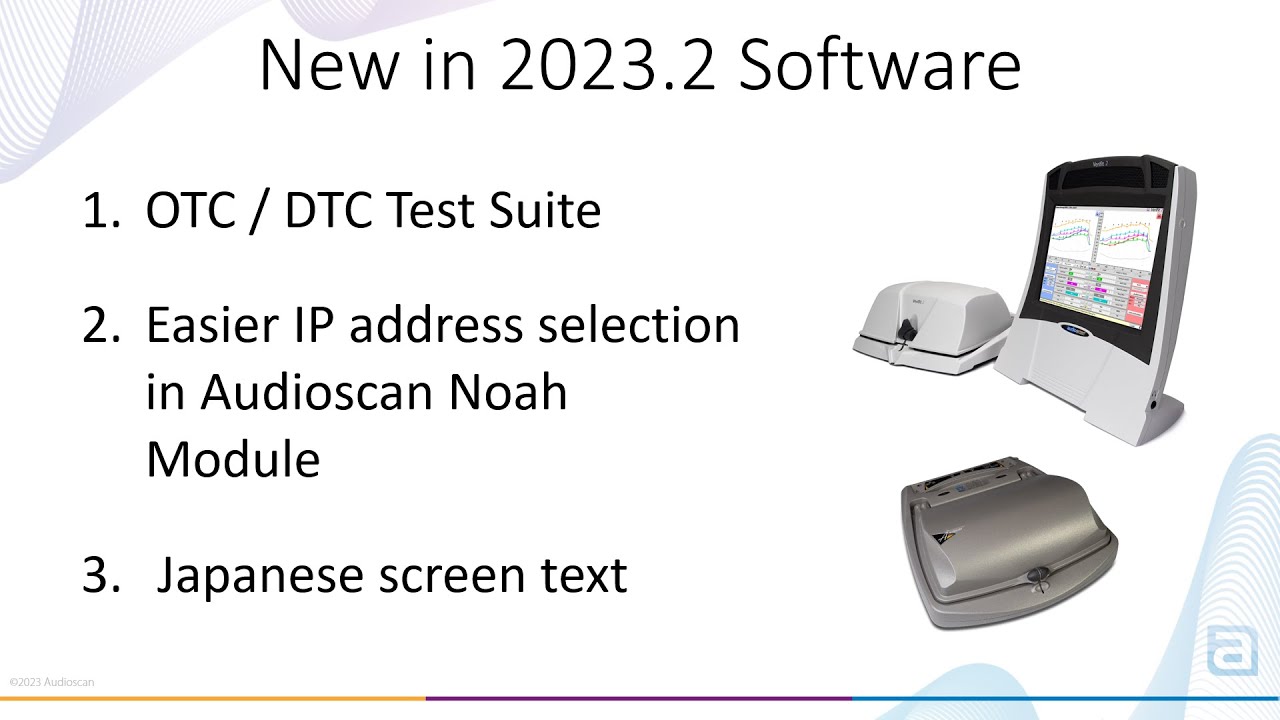
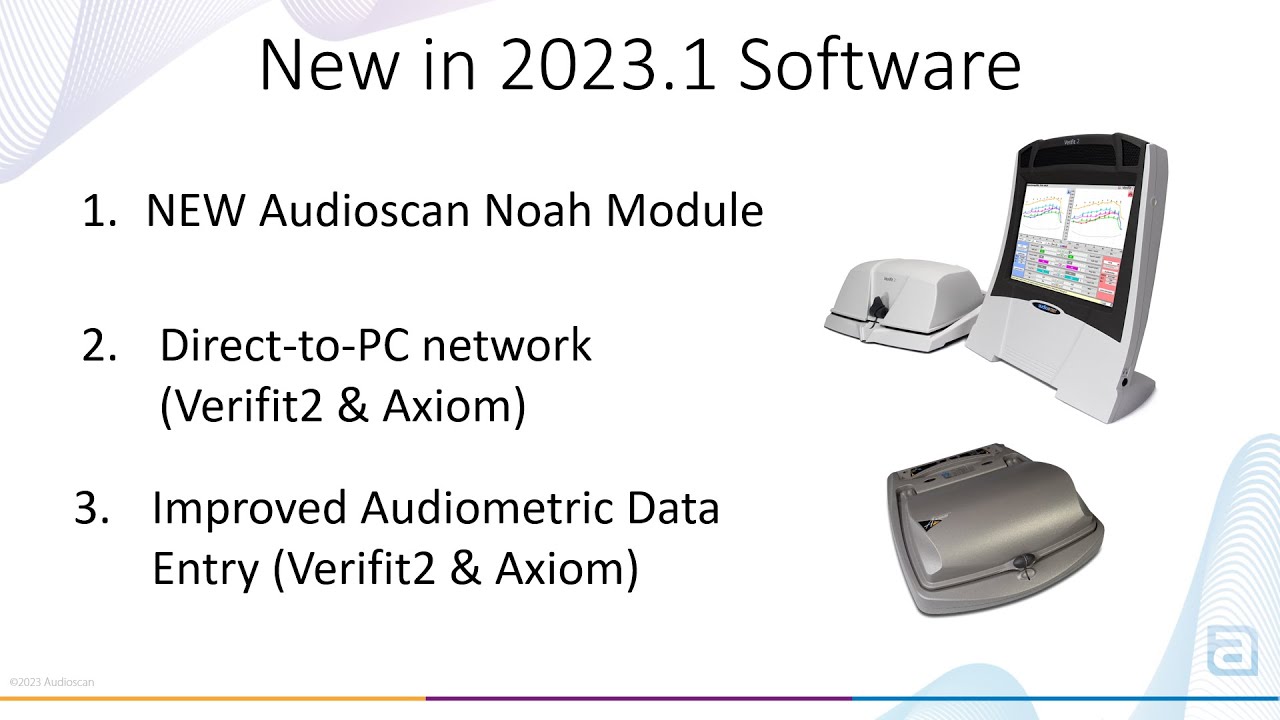
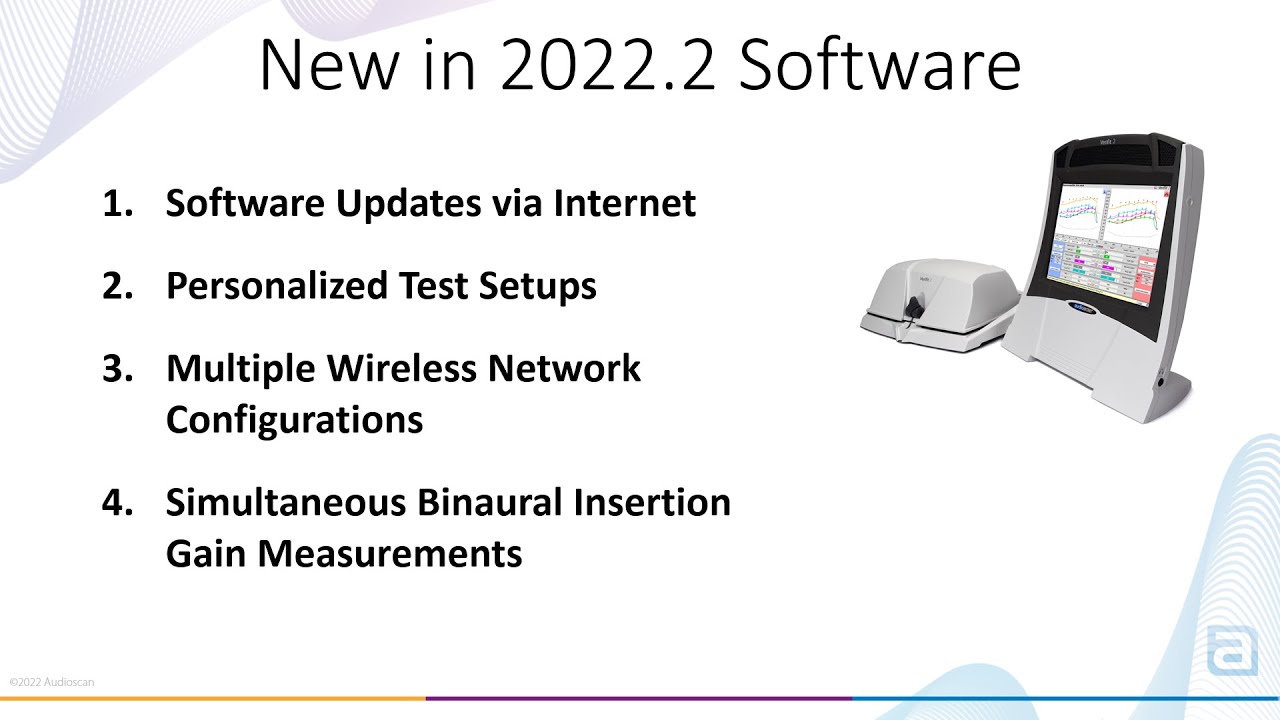
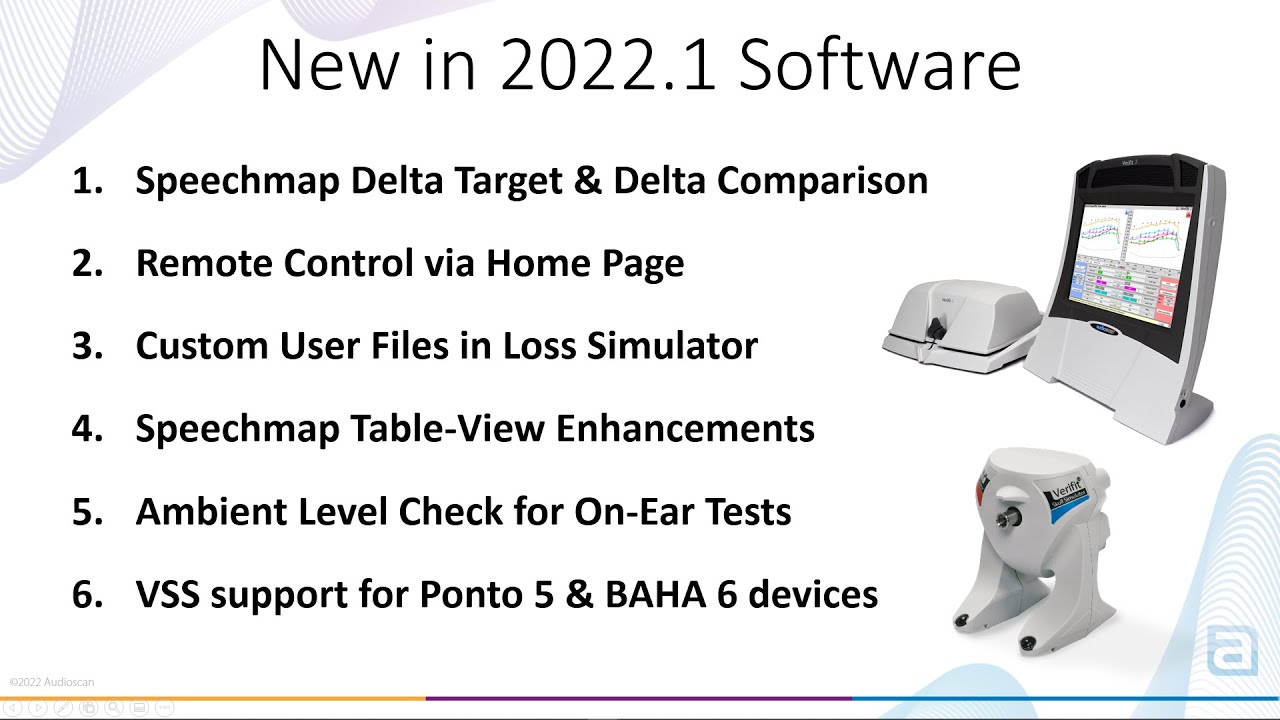
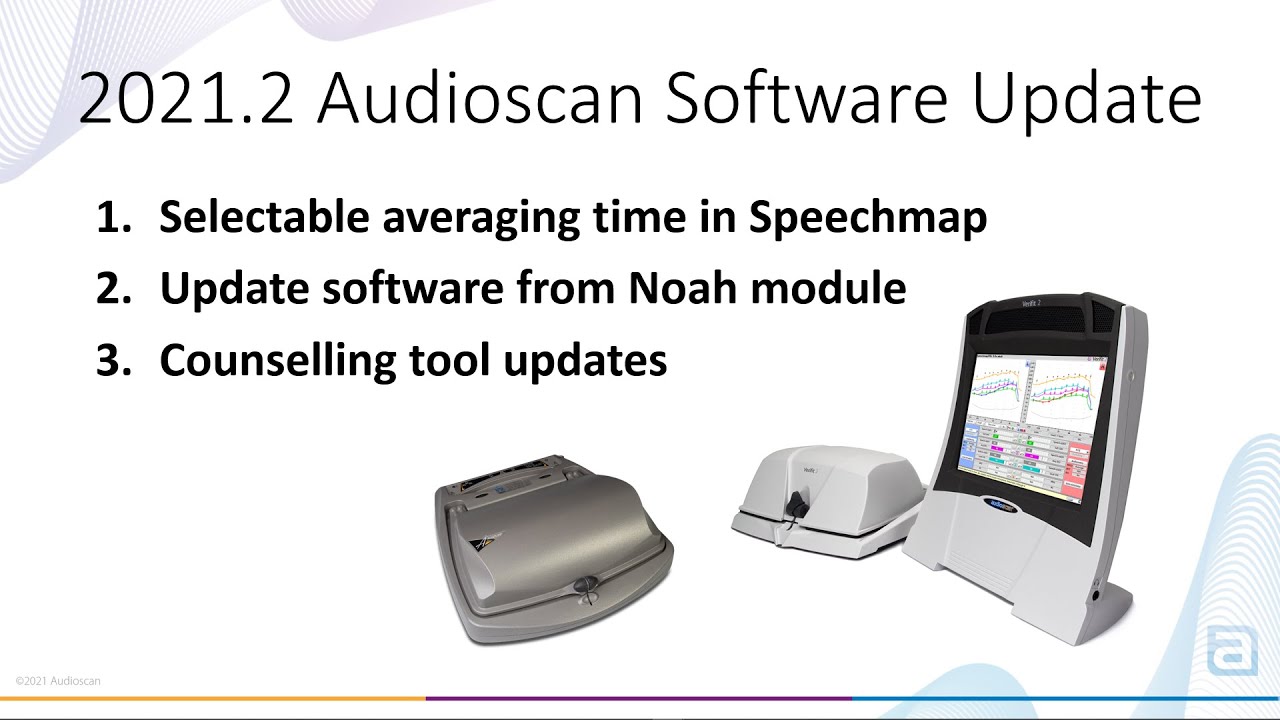
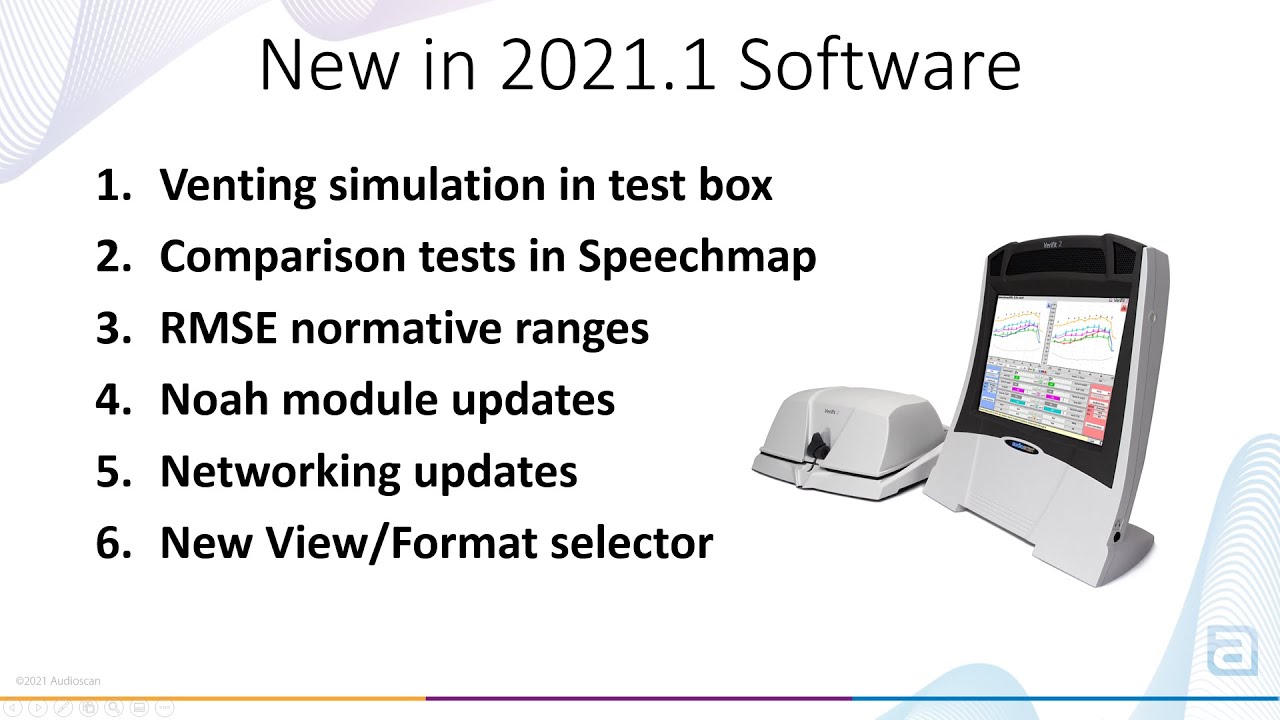
Software Features

Learn about the latest features available in the Verifit2

Download Verifit2 Software

Download the latest software for your Verifit2.

Frequently Asked Questions
Find answers to commonly asked questions about support and troubleshooting.

To troubleshoot your network connections, you will want to first confirm that the Verifit2 is connected to a network (either a WiFi or wired connection).

  • Within the Audioscan Noah Module, you will want to open “Network troubleshooting” from the Settings icon located in the bottom left corner of the module.
  • Click Settings > Network Troubleshooting > Run All
  • If you have entered your IP address correctly within the Audioscan Noah Module, and there is an “X” beside the Ping test, you will want to “Export Results” and provide this information to your IT administrator.

For more information, watch the Audioscan Networking video:

There are two main methods to update the software on your Verifit2 or Axiom

1. Via the Audioscan Noah Module

  • Click Settings > Check now for updates

For more information, watch the Audioscan Noah Module screen tour

2. Via USB stick

  • Visit audioscan.com for software downloads and software update instructions

For more information, watch the Updating Audioscan System Software video

The simplest method to update your Audioscan Noah Module, is to open the Audioscan Noah Module, click Settings > Check now for updates

For more information, watch the Audioscan Noah Module screen tour

Check Test Box cable and microphones are plugged in properly.

If the issue persists, contact your local distributor for assistance.

You will be prompted to calibrate your probe microphones whenever your calibration has expired. You can manually select the calibration by clicking Main Menu > Calibration within the “On-ear” column of the main menu.

You can follow the instructions on-screen.

To learn more about the probe microphone calibration process, watch the Audioscan Probe Microphone Calibration video.

If you have purchased the Audioscan Noah Module and need your license key, please contact us at: 1-(800)-265-2093 or support@audioscan.com. Please include your Audioscan model and serial number.

The MaxTM SPL (maximum sound pressure level at the tympanic membrane) exceeded prompt is a safety limit to ensure output levels of the hearing aid does not exceed an unsafe level. This safety feature can be adjusted or disabled by clicking Settings > Max TM SPL and selecting the desired MaxTM SPL.

Calibration failure should indicate a faulty microphone or set up. User should swap mics, Left-for-Right, and try to calibrate both sides again. If the fault follows the mic, replacement is required. If neither side will calibrate with either mic, suspect faulty jacks/cabling.

There are a couple reasons why targets might be missing from Speechmap after you have entered or imported audiometric thresholds. You may want to check the following:

  • Confirm a calibrated stimulus is selected
  • If using NAL-NL2 fitting formula, ensure 500 Hz and 2 kHz thresholds are entered

In some cases, after the Verifit2 has been updated, you may be required to re-establish the network connection. To troubleshoot and resolve the issue, you will want to check the following:

  • Confirm your Verifit2 and PC are connected to the same network
  • Confirm the correct network address has been entered into the Audioscan Noah Module
  • Use the Audioscan Noah Module’s Network Troubleshooting tool to confirm the network has been configured correctly
Audioscan warranty information
Coverage
The limited warranty is for a period of 2 years from the date of shipment of the instrument. The limited warranty on replacement parts is 1 year from the date of shipment. The limited warranty on battery pills – whether shipped with an Audioscan instrument or not – is for 90 days from the date of shipment.

The Audioscan Limited Warranty covers the following:
Defects in hardware materials and workmanship on Audioscan equipment and replacement parts.

The Audioscan Limited Warranty does not cover the following:
Damage, deterioration or malfunction resulting from alteration, modification, improper or unreasonable use or maintenance, misuse, abuse, accident, neglect, or exposure to moisture, fire, power surges, or acts of nature;
Obsolescence of technology or obsolescence of compatibility with other non-Audioscan products.
Instruments or components that have been repaired or serviced by individuals either not authorized or not trained by Audioscan to perform such services.
Shipping damage to materials in transit.
Who is covered
The original purchaser of equipment and/or replacement parts from an authorized Audioscan distributor is covered by this limited warranty.
What Audioscan will do
In the event of a claim under this limited warranty, Audioscan will repair and/or replace any defective parts within a reasonable period of time, free of any charge for the necessary parts and labor to complete the repair and restore the product to its proper operating condition.
What Audioscan will not do
Audioscan will not pay for transportation, or insurance during transportation, of items returned to Audioscan. These must be provided by the owner and if uninsured, Audioscan will not assume any risk of loss or damage during shipment.
Audioscan will not pay travel expenses for on-site servicing.
How to initiate a warranty claim
To obtain a remedy under this limited warranty, you must contact the authorized Audioscan reseller from whom you purchased this product. Do NOT return material directly to Audioscan without authorization.
Limitation on liability
The maximum liability of Audioscan under this limited warranty shall not exceed the actual purchase price paid for the product.
Audioscan does not warrant that the products will meet the requirements of representative or customers and in no event shall Audioscan be liable for any indirect, incidental, special or consequential damages, including loss of profits, revenue, data, or use, incurred by representative, or any customers or any other person, whether in an action in contract or tort, even if representative, any of Audioscan’s customers or any other person has been advised of the possibility of such damages.
The products are provided “as is” without warranty of any kind, either express or implied, except as has been specified by Audioscan in this document.
TO THE MAXIMUM EXTENT PERMITTED BY LAW, THIS LIMITED WARRANTY AND THE REMEDIES SET FORTH ABOVE ARE EXCLUSIVE AND IN LIEU OF ALL OTHER WARRANTIES, REMEDIES AND CONDITIONS, WHETHER ORAL OR WRITTEN, EXPRESS OR IMPLIED. TO THE MAXIMUM EXTENT PERMITTED BY LAW, AUDIOSCAN SPECIFICALLY DISCLAIMS ANY AND ALL IMPLIED WARRANTIES, INCLUDING, WITHOUT LIMITATION, WARRANTIES OF MERCHANTABILITY AND FITNESS FOR A PARTICULAR PURPOSE.
Limitation on warranty
This warranty gives the purchaser specific legal rights and the purchaser may also have other rights which vary between jurisdictions in different states, provinces or countries. Some jurisdictions do not allow limitations on how long an implied warranty lasts, so the above limitations may not apply to you.
Connect
Get in Touch
Have any questions or need assistance? We’re here to help!
Email
support@audioscan.com
Phone
+1 (800) 268-2093
+1 (519) 268-3313
Office
20 Ludwig St.
Dorchester, Ontario, Canada
N0L 1G4